Dozens of Fake Firefox Extensions Impersonate OKX, Rabby, TronLink to Steal Crypto Wallets
At least 40 fake Firefox extensions impersonating popular wallets like OKX, Rabby, and TronLink have been confirmed as malicious. They harvest recovery phrases from users who type them in, enabling attackers to drain wallets.
Key takeaways
- At least 40 fake Firefox extensions impersonate OKX, Rabby, and TronLink.
- These extensions steal recovery phrases to drain users' crypto wallets.
- Users should verify extensions and never enter recovery phrases into add-ons.
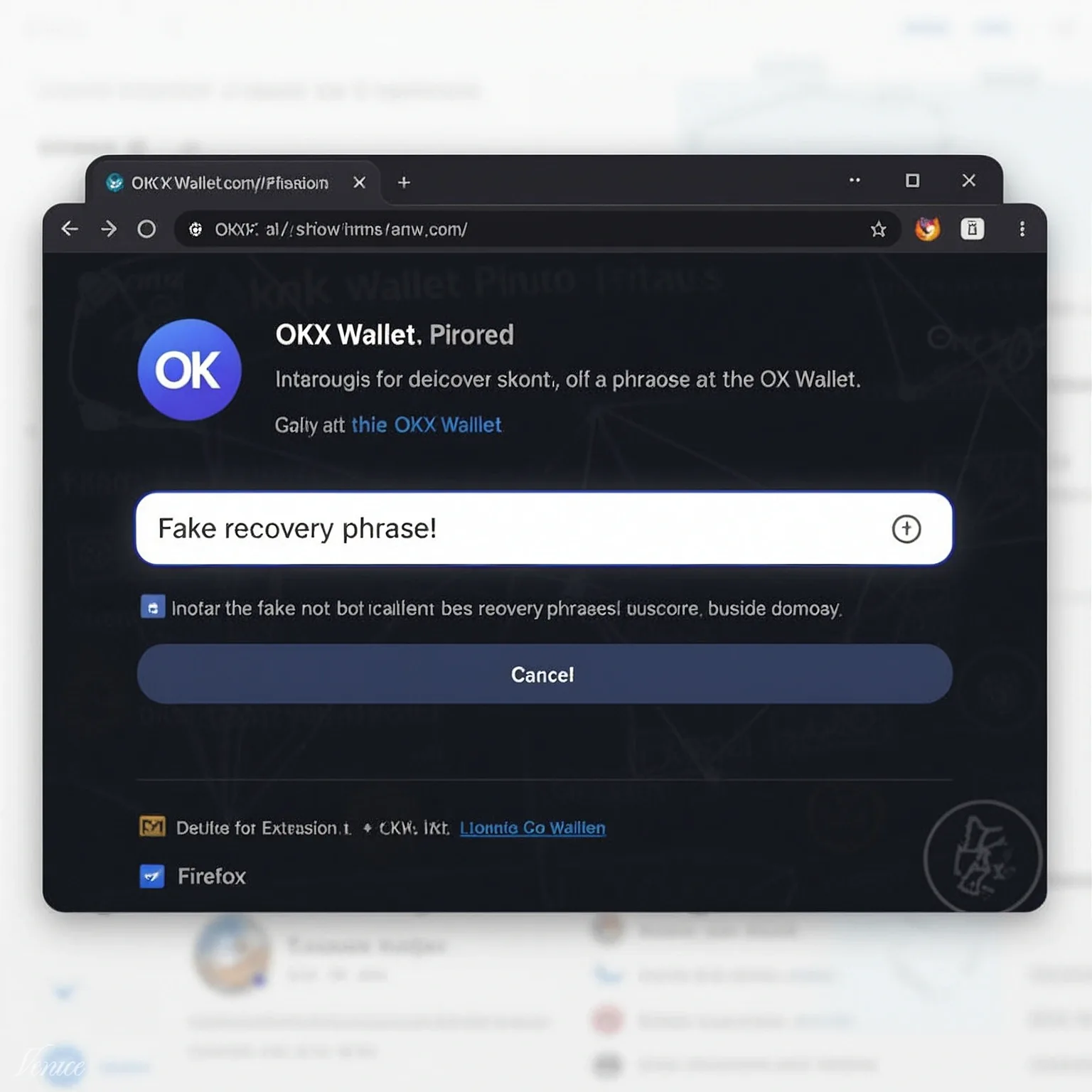
Cybercriminals have created at least 40 fake Firefox extensions that impersonate popular crypto wallets like OKX, Rabby, and TronLink. These malicious extensions are designed to steal recovery phrases from users who type them in, potentially leading to the loss of all funds in their wallets. The malware is sophisticated enough to harvest private keys and drain crypto wallets.
How the Malware Works
The fake extensions mimic legitimate wallet interfaces, tricking users into entering their recovery phrases. Once entered, the malware captures this sensitive information and sends it to the attackers. This allows them to gain full control over the victim's wallet and steal all the cryptocurrency stored within.
Why the Timing Matters
This attack comes at a time when the use of browser-based crypto wallets is on the rise. As more people adopt these tools for managing their digital assets, the risk of falling victim to such scams increases. The attackers are exploiting the trust users place in well-known wallet brands to deceive them.
What to Do if You're Affected
If you have installed any of these fake extensions, immediately transfer your funds to a new, secure wallet. Change all associated passwords and enable two-factor authentication where possible. Always verify the authenticity of extensions by checking the official websites of the wallet providers.
What This Means for You
This incident highlights the importance of vigilance when using browser extensions for crypto management. Always download extensions from official sources and double-check the URL and developer information. Be wary of any extension that asks for your recovery phrase, as legitimate wallets will never ask for this information upfront.
Frequently asked questions
How can I tell if a Firefox extension is fake?
Check the extension's URL and developer information against the official wallet provider's website. Legitimate extensions will have verified badges and accurate developer details.
What should I do if I've entered my recovery phrase into a fake extension?
Immediately transfer your funds to a new, secure wallet and change all associated passwords. Enable two-factor authentication for added security.